I'm adding Airtable to my Bundle

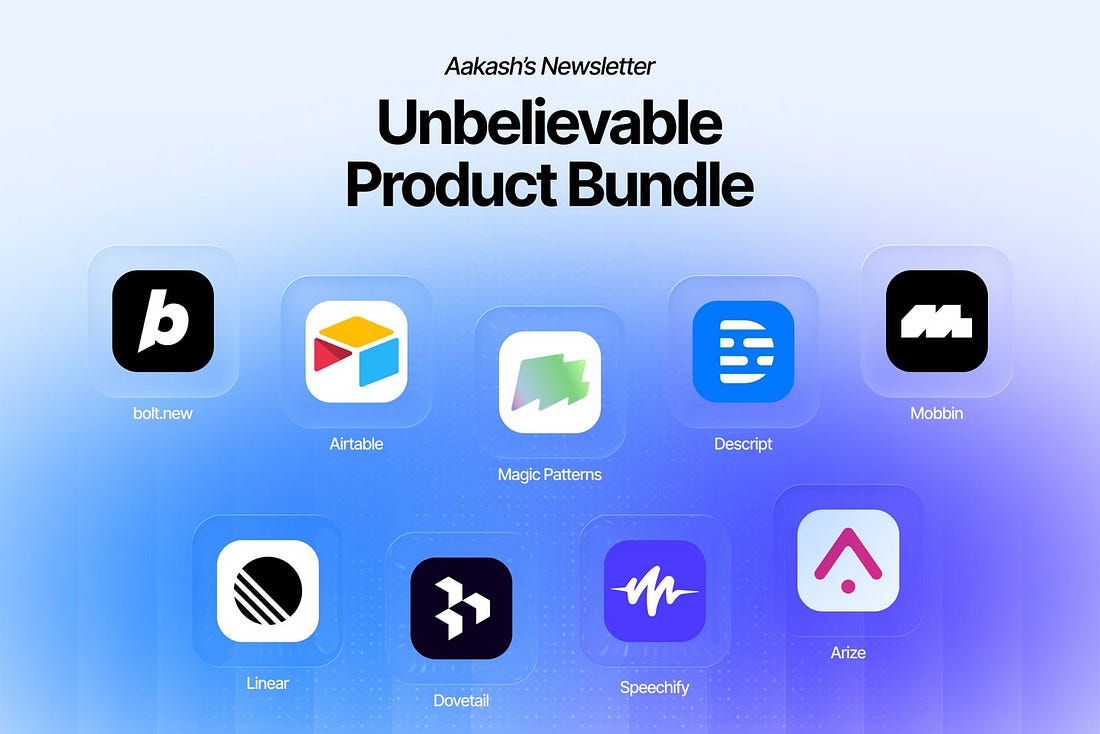
Last December, I announced Aakash’s Bundle: a year of the paid plan of my favorite AI tools included in the price of a yearly subscription to this newsletter ($27,778 in value for just $150). Since then, we’ve added two more of my favorite tools: Speechify (which I use for dictation) and Bolt.new (which I use for building websites and prototypes). Today, we add another. And, for many, it will be the most exciting one yet.
Airtable is now part of the bundle. It’s one of the most powerful platforms out there. Let me show what it can do. Today’s PostI’ve put together a complete guide to Airtable for PMs and Product leaders:
1. What is AirtableFor PMs and product leaders, the best way to think of Airtable is as a place to run your product work. It’s like a combination of Jira, Zapier, and Notion Calendar in one place - with connected Claude MCP too. I had on their VP of Product last year if you want to see him show you: 
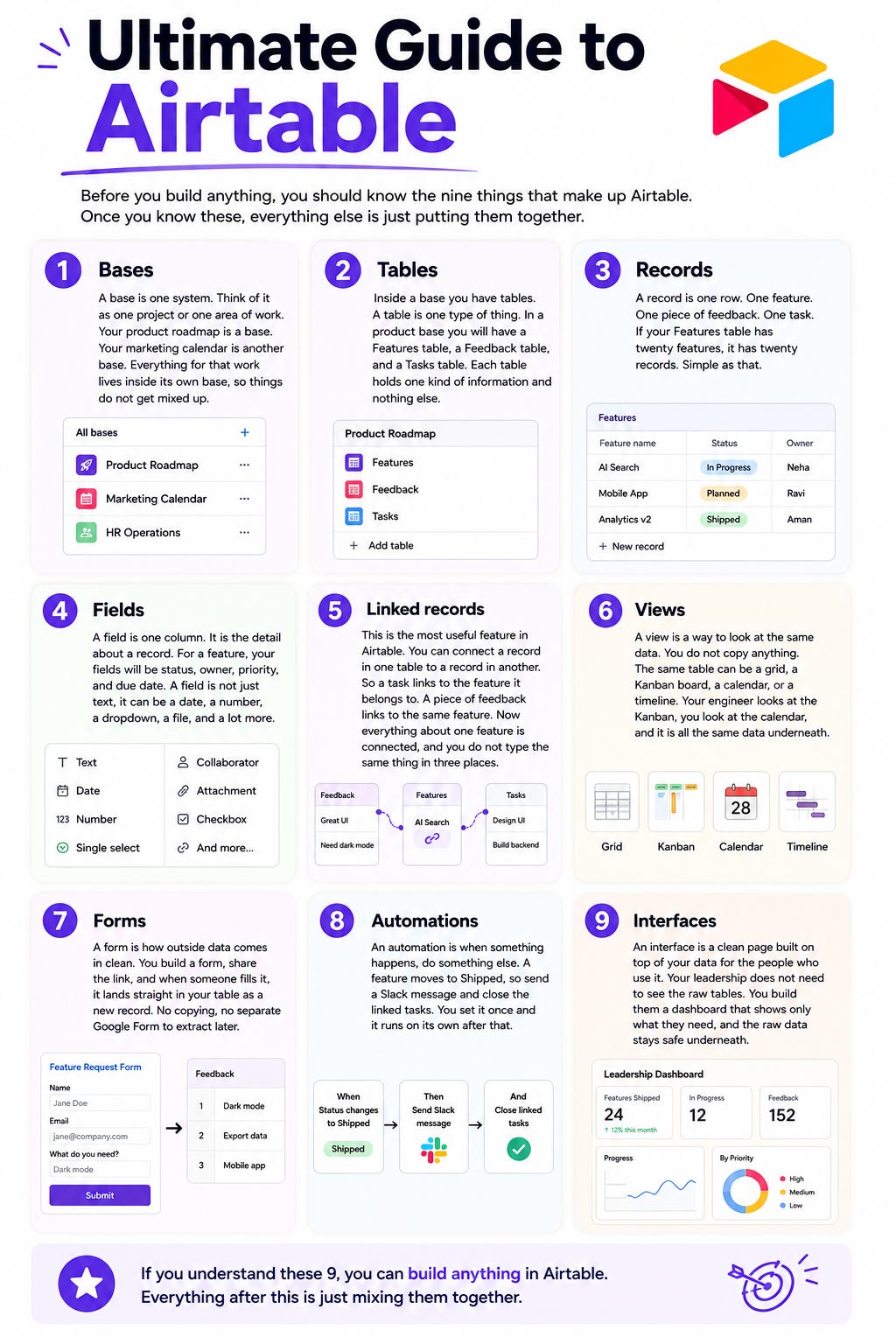
You might be thinking: we have sheets, we have Claude, what else do we need? The honest answer is: Airtable may not be for you if you’re a really small, or really scrappy company. But as soon as you hit some level of scale, you’ll want to standardize things. You’ll want your roadmps in one place. You’ll want your automations centrally editable after an employee leaves. You could maintain that all yourself, a series of vibe codes in Cowork, but there’s a maintenance cost involved. That’s why basically every company out there eventually gets on some tool. The big one’s are Jira Product Discovery, Productboard, Pendo, and… Airtable. 2. Intro to Airtable LingoAirtable has its own lingua franca, so let’s clear that up. Put simply:
Here’s all that in a handy visual:
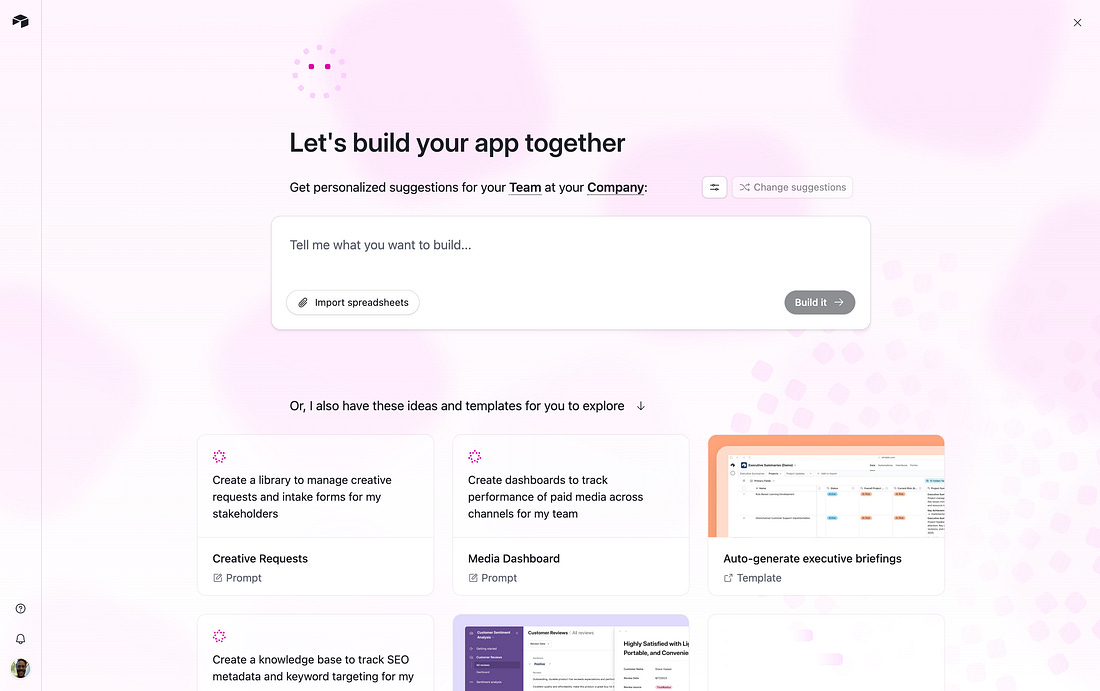
3. How to set up Airtable for Product TeamsYou have two paths:
I recommend the AI agent. I find it pretty good:
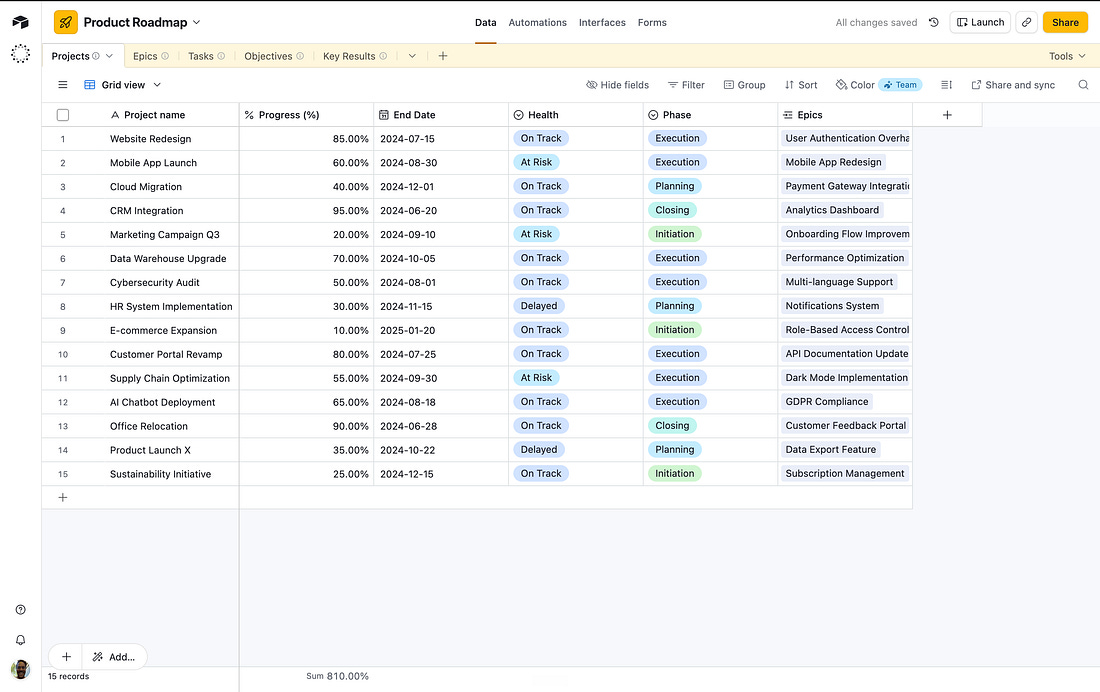
I recommend starting with your product roadmap: Build me a product roadmapping app for a product team. Here’s an export of what we have from my current system: (insert file). From one simple prompt, you’ll get an input of yor roadmap:
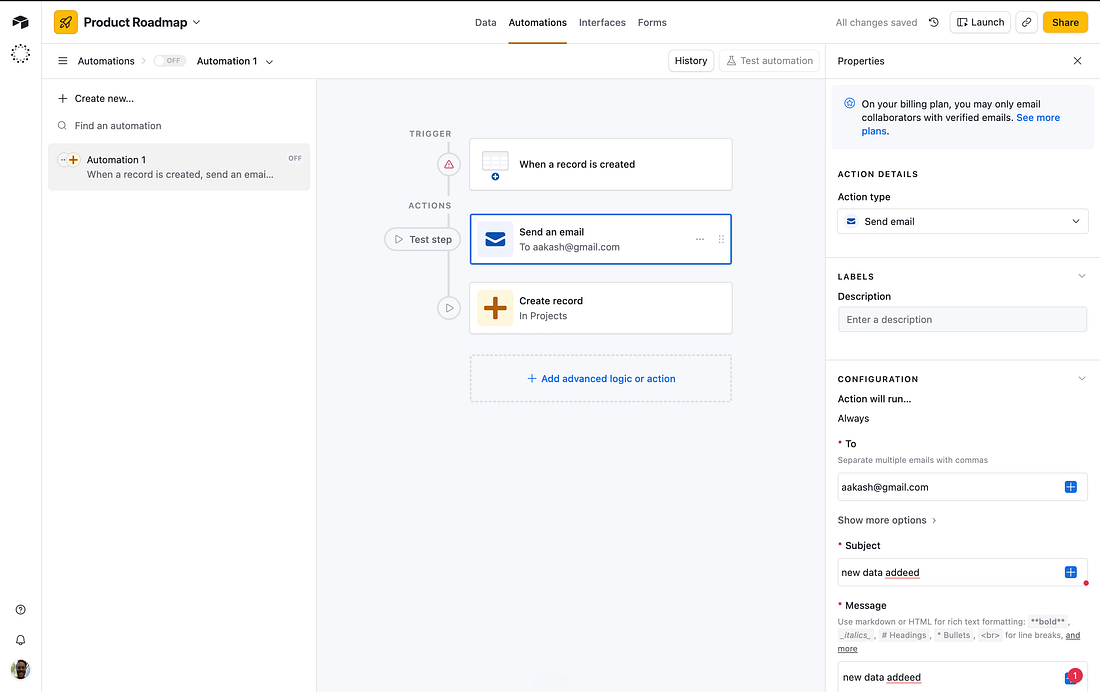
You can then start to leverage automations, like an email when a new issue is created:
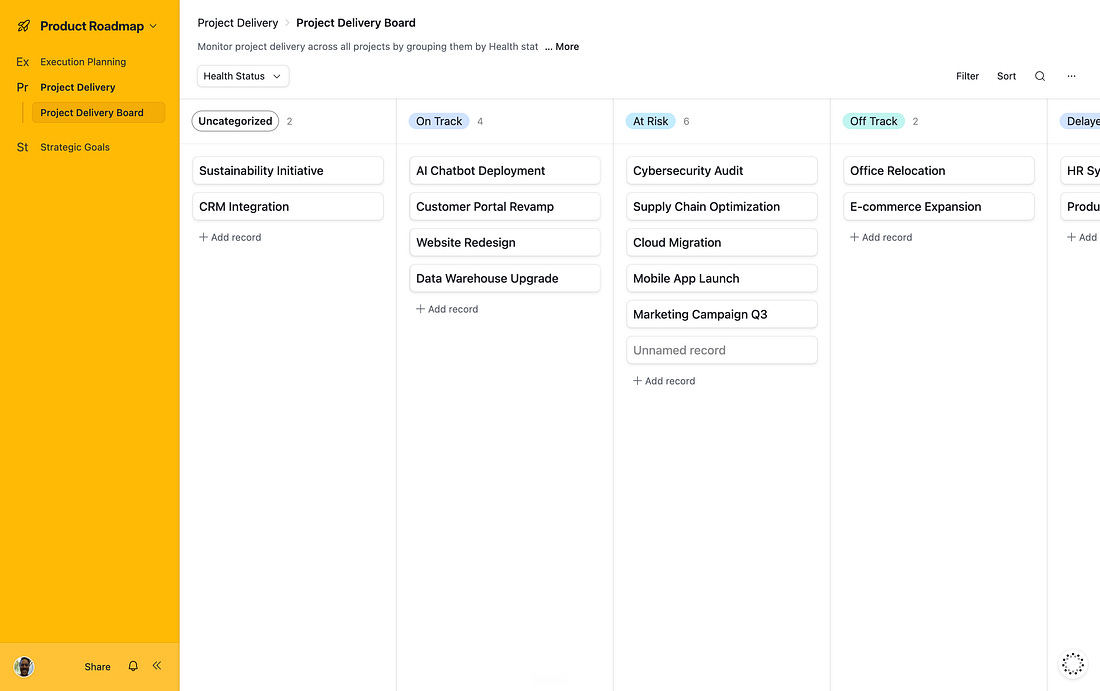
Then you can start using things like the Kanban board to actually manage the work:
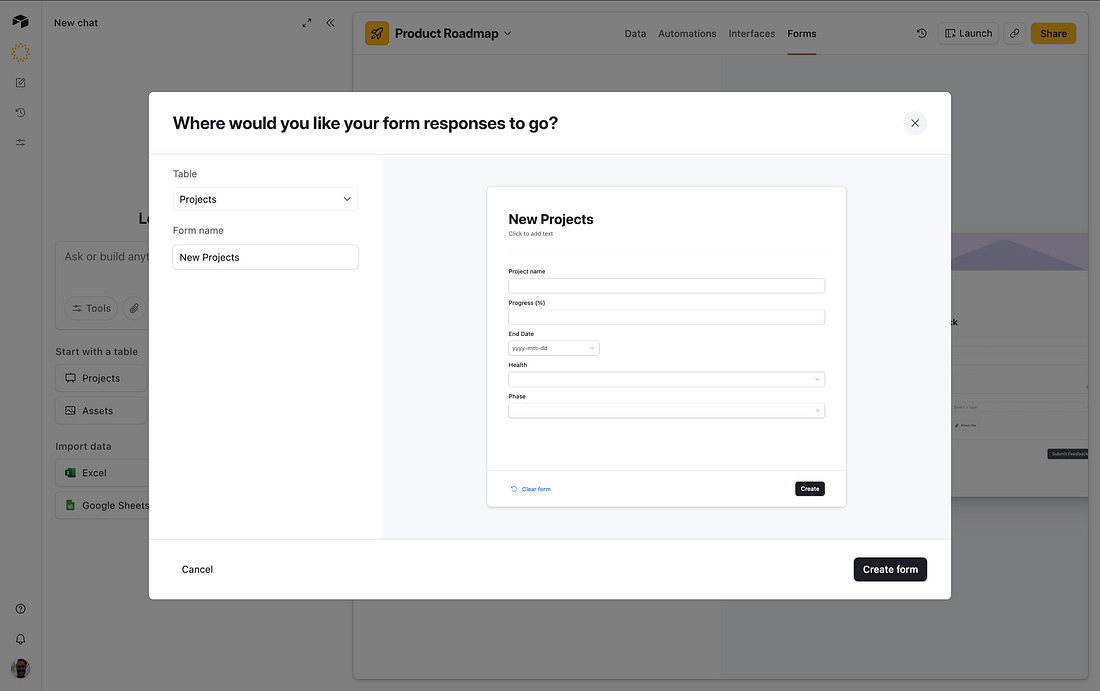
The final part is forms. You can create a project intake form for stakeholders, for example:
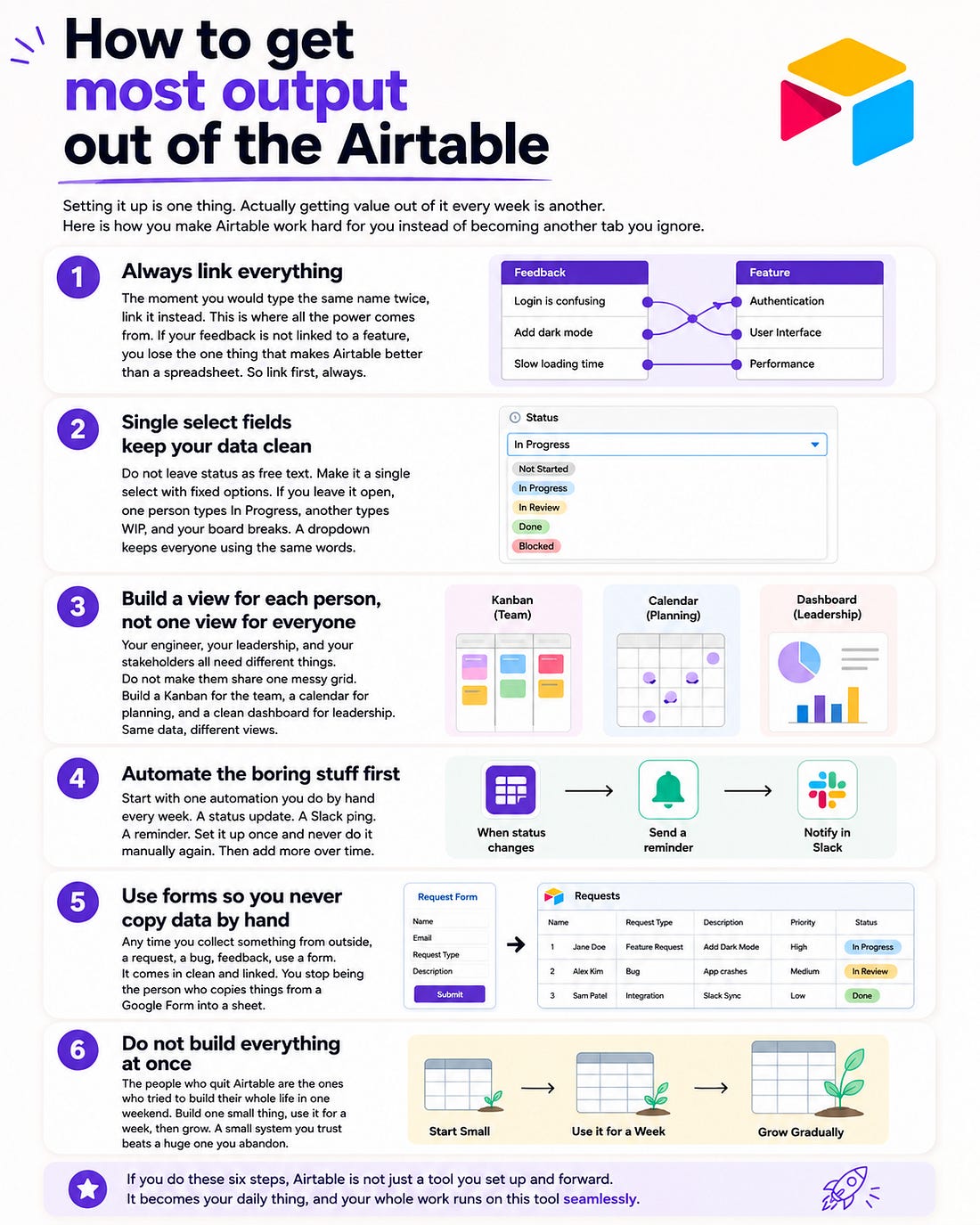
Then you’ve got a working basic product system in Airtable! Get to work getting the most out of it:
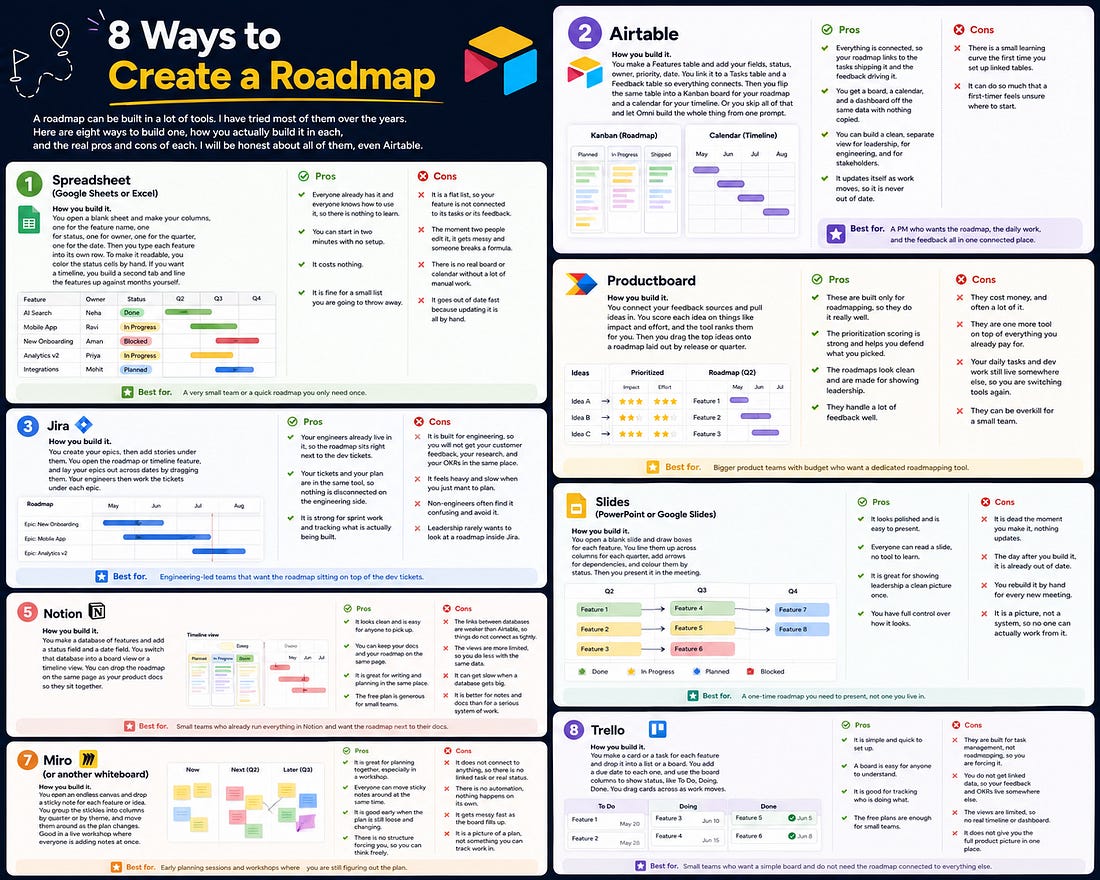
4. Airtable vs the competitionCompared to the competition, here’s where Airtable stacks up:
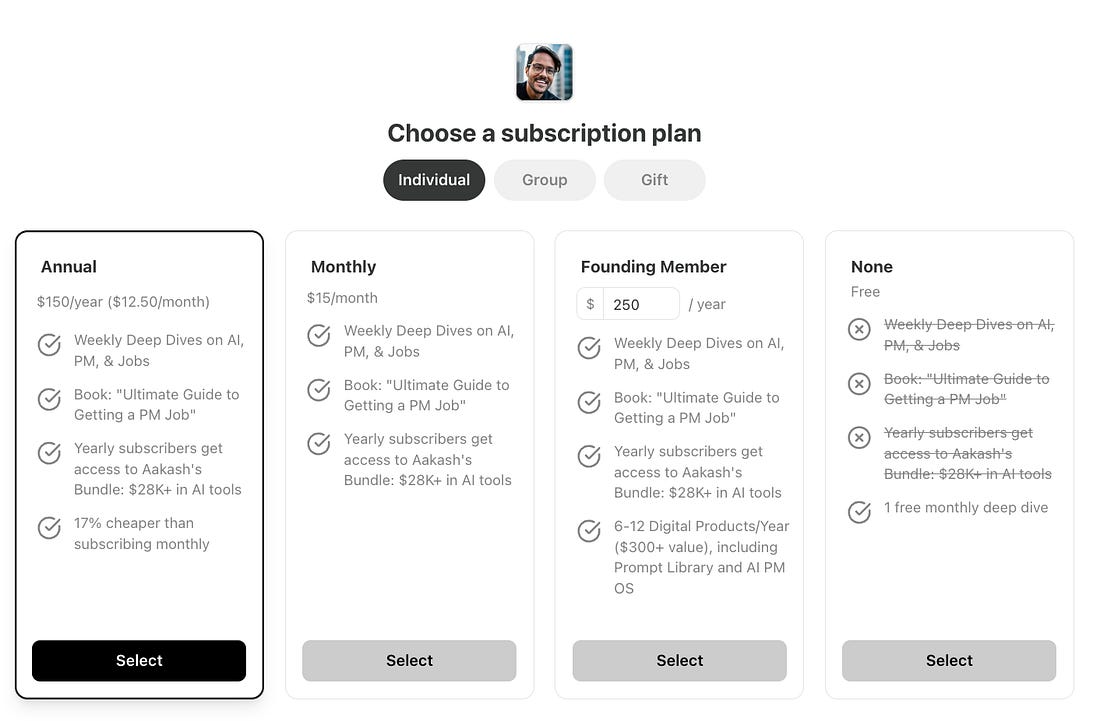
The short of it: If you just want a quick picture, a slide or a spreadsheet does the job. If you want a roadmap that is actually connected to your tasks, your feedback, and your goals and updates itself as the work moves, that is where Airtable pulls ahead of other tools. 5. How to get Airtable free with the Bundle1/ Upgrade to a yearly paid or founding member:
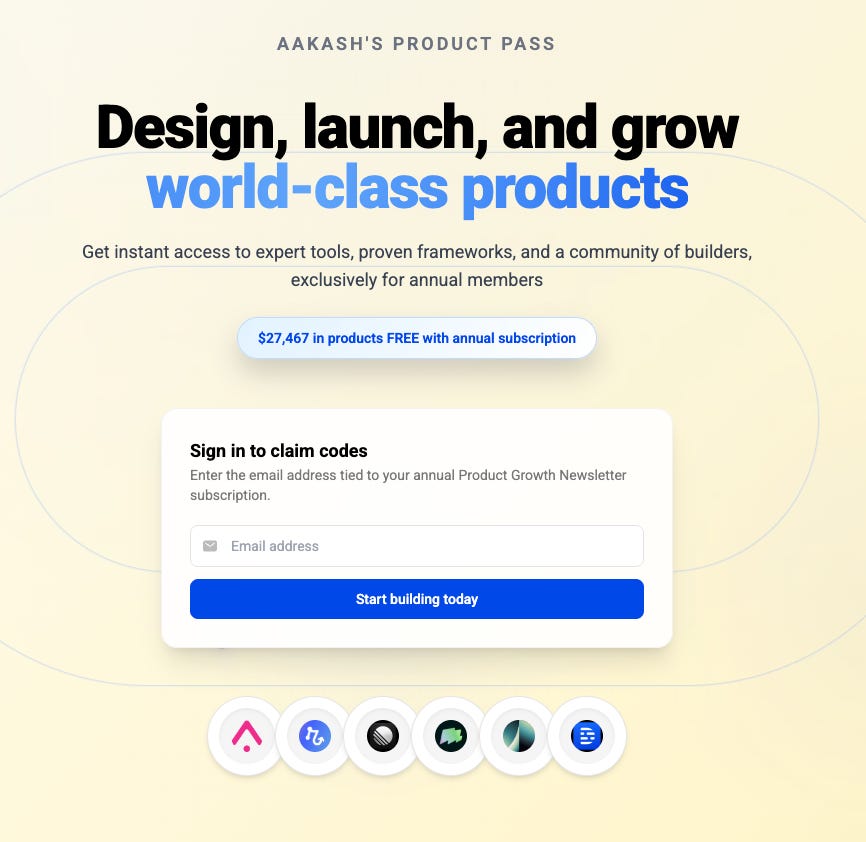
2/ Head to bundle.aakashg.com to redeem your codes:
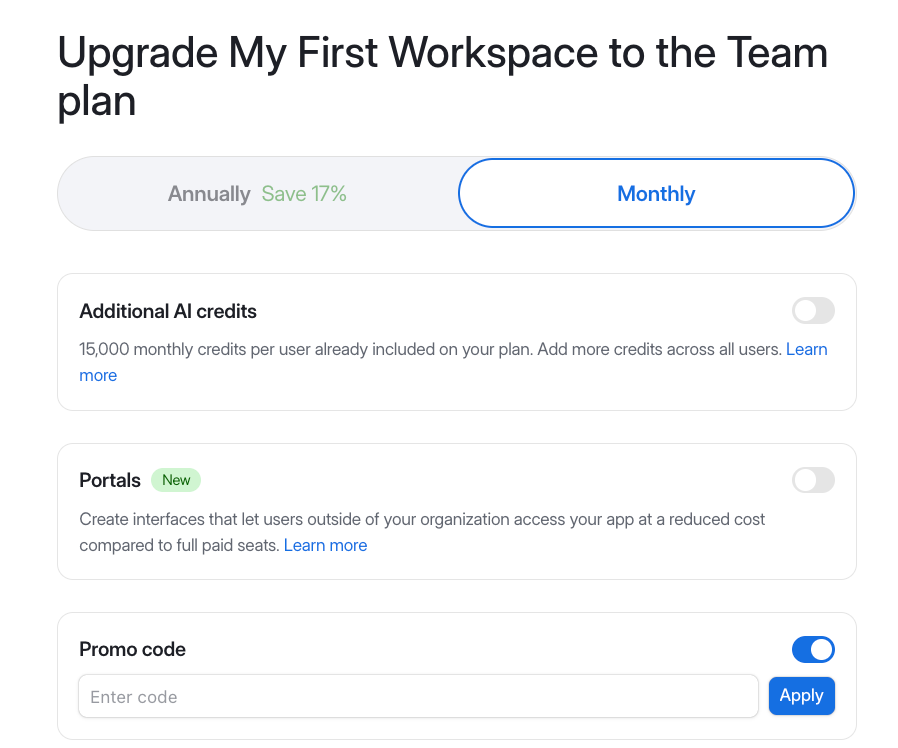
3/ Use that code in your checkout window on airtable:
6. Putting it all together into Aakash’s stackHere’s how I’d put together all the tools in my Bundle into a proper stack:
I hope this helps supercharge your work with AI. $27,467 in products for $150. See you next week, Aakash I want to add more phenomenal tools to the bundle. If you work at a great tool company, please hit reply to this e-mail. I’d love to chat.
You're currently a free subscriber to Product Growth. For the full experience, upgrade your subscription.
|




Comments
Post a Comment
VHAVENDA IT SOLUTIONS AND SERVICES WOULD LIKE TO HEAR FROM YOU🫵🏼🫵🏼🫵🏼🫵🏼